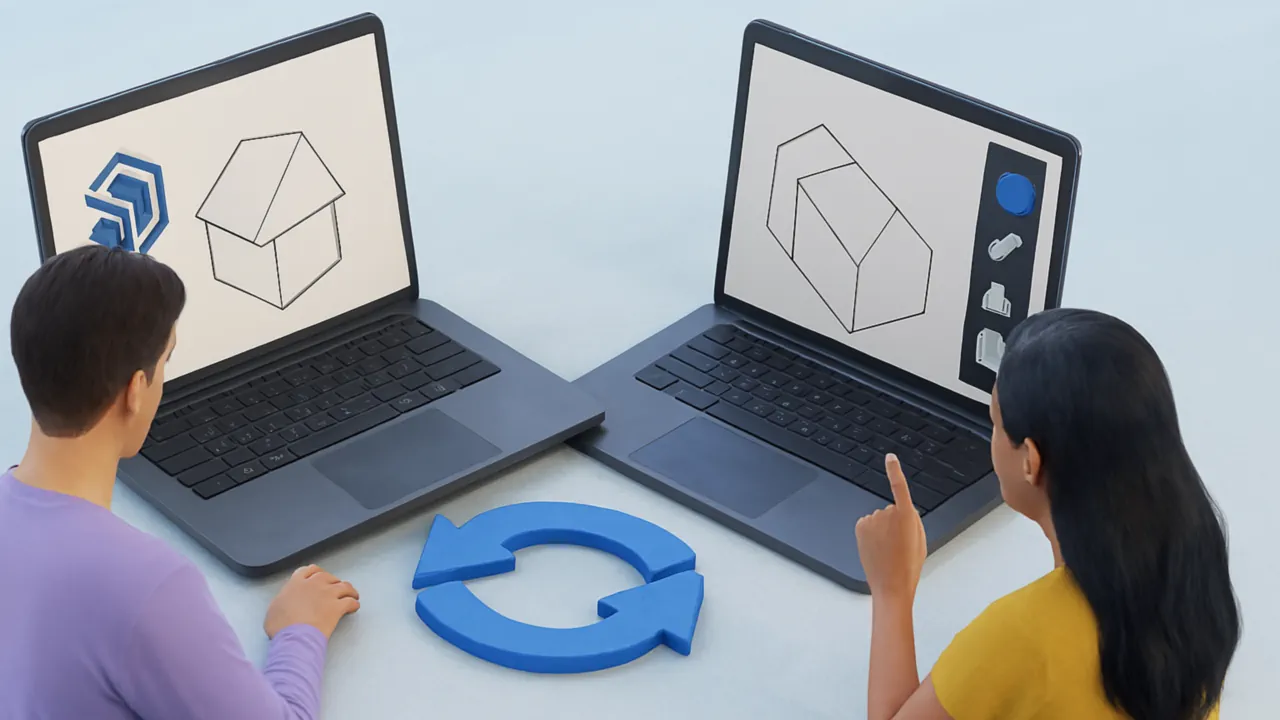
Before SketchUp 2021, every major SketchUp release used a new SKP file format version - a file saved in SketchUp 2020 couldn't be opened in SketchUp 2019 or earlier without first converting it. This caused constant friction in teams using different SketchUp versions and in workflows that relied on older plugins or integrations.
SketchUp 2021 introduced a versionless SKP format - files created in SketchUp 2021 and later use a single format that opens in all current and future SketchUp versions. This page explains what the versionless format actually does, what it doesn't cover, and when you still need a tool like Autoconverter to handle SKP version conversion.
What the Versionless SKP Format Does
Starting with SketchUp 2021, Trimble changed the SKP file architecture so that a single file format serves all versions going forward. The key behavior:
- Files created in SketchUp 2021 open in SketchUp 2021 and later without any version conversion step
- Newer features are handled gracefully in older versions - elements added in a newer SketchUp release that an older version doesn't understand are ignored rather than causing an error, preserving the core geometry and model structure
- No manual Save As for version compatibility - users on different SketchUp 2021+ versions can share files directly without re-saving to a specific version
This was a meaningful architectural change for collaborative SketchUp workflows, particularly in firms where different team members or clients use different SketchUp subscription tiers or upgrade on different schedules.
What the Versionless Format Does NOT Cover
The versionless format solves forward compatibility - files created in newer SketchUp versions opening in older ones, starting from SketchUp 2021. It does not solve all SKP version problems:
- Files created before SketchUp 2021 are not versionless - a model saved in SketchUp 2019 still uses the old versioned format. It will not open in SketchUp versions older than 2019 without conversion.
- Opening SketchUp 2021+ files in versions older than SketchUp 2021 - the versionless format was introduced in 2021. SketchUp 2020 and earlier cannot open files saved in SketchUp 2021+ format. If a collaborator or client uses SketchUp 2020 or earlier, you still need to convert the file to a compatible older format.
- Third-party tool compatibility - plugins, renderers, and tools that read SKP files directly (not through SketchUp's own file handler) may have their own SKP version requirements. A plugin built against the SketchUp 2018 SDK may not read SketchUp 2021+ files correctly regardless of the versionless change.
In these situations, you may need to downgrade your SketchUp file to an earlier version for compatibility.
How to Convert SKP Files Between Versions
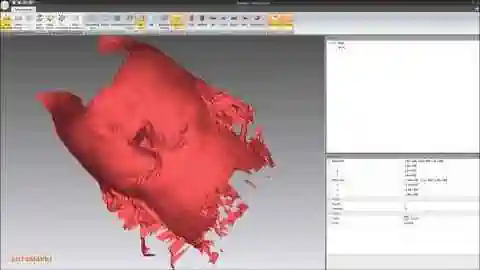
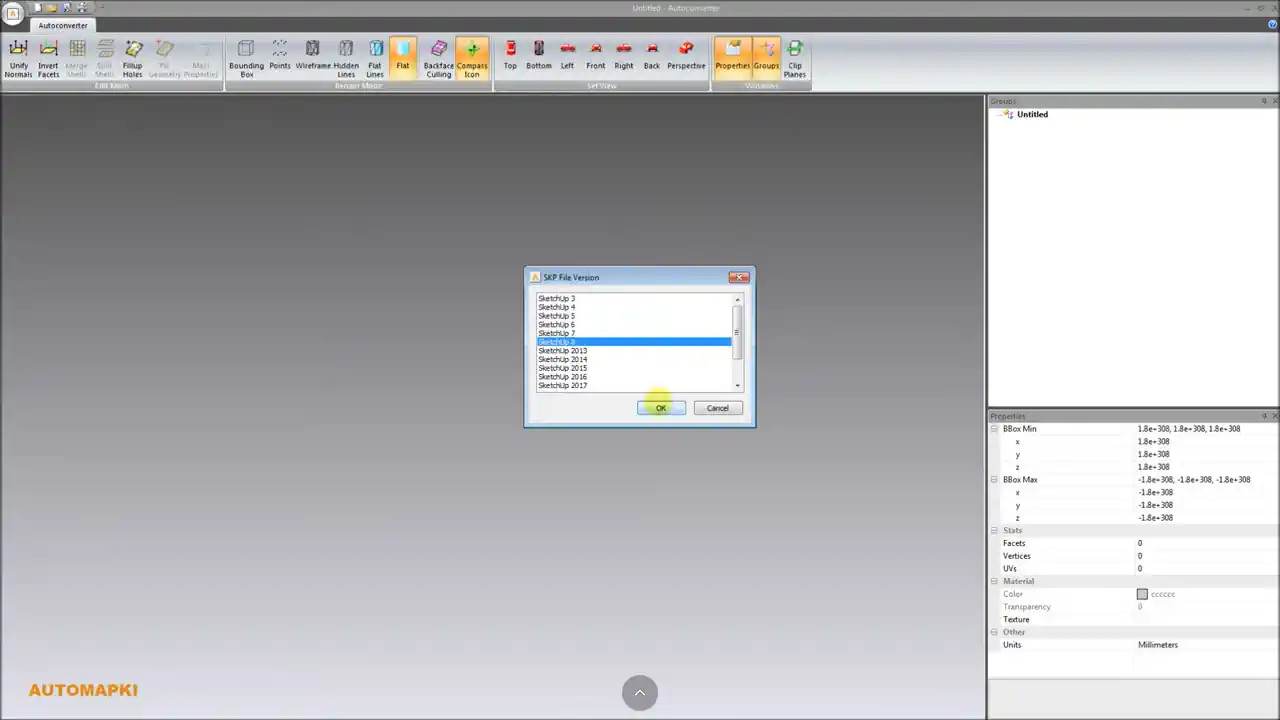
Autoconverter converts SKP files between all supported versions - from SketchUp 3 through the current release - without requiring SketchUp to be installed:
- Download and install Autoconverter on Windows. Launch it from the Start menu.
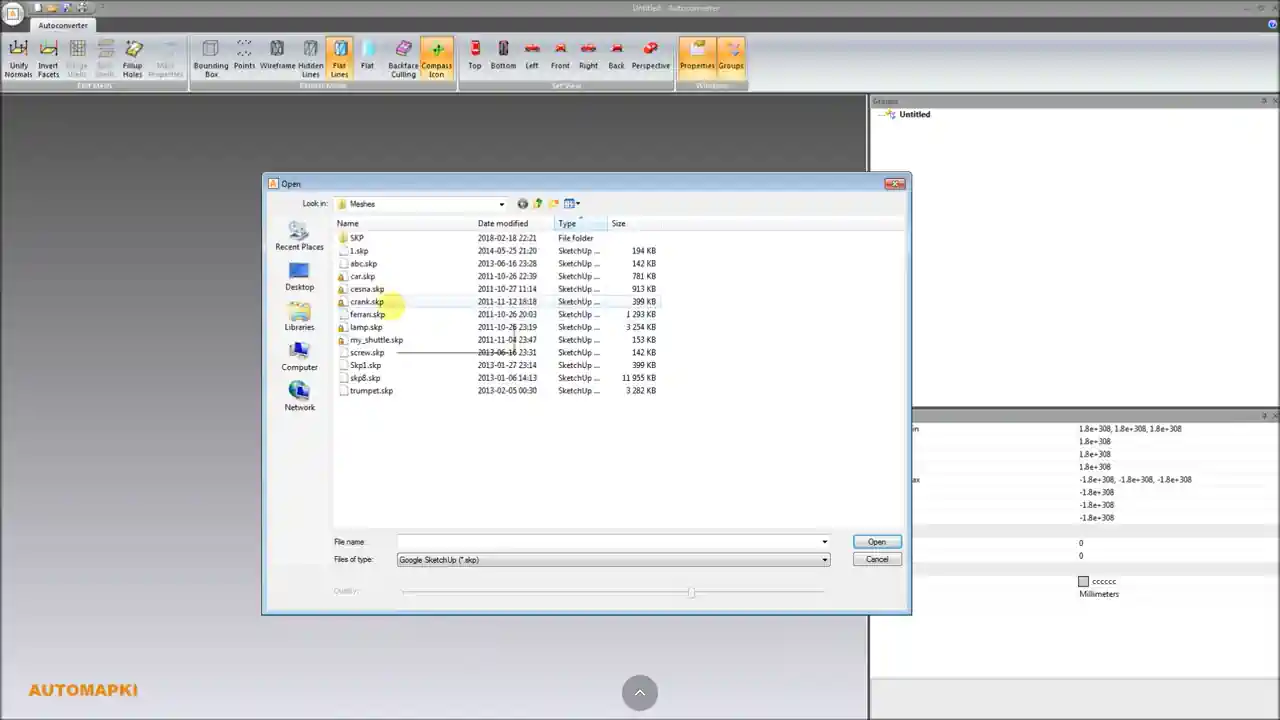
- Go to File > Convert File Version (for version-only conversion that preserves all model data) or File > Open followed by File > Save As for standard format conversion.
- Select your source SKP file, specify the target SKP version, and save the output file.
The Convert File Version function changes the SKP version identifier without reprocessing the geometry - materials, textures, components, layers, and scenes are all preserved. For a detailed walkthrough, see the SKP version downgrade tutorial.
Frequently Asked Questions
Can SketchUp 2020 open a file saved in SketchUp 2021?
No. The versionless format was introduced in SketchUp 2021 - it ensures compatibility between SketchUp 2021+ versions, but SketchUp 2020 and earlier cannot read the new format. You need to convert the file to SketchUp 2020 or earlier format before sharing with users on those versions.
Does the versionless format affect SKP files from 2020 and earlier?
No. Files saved in SketchUp 2020 and earlier remain in their versioned format. The versionless change only applies to files created in SketchUp 2021 and later.
Can I convert SKP to an older version without SketchUp installed?
Yes. Autoconverter reads and writes all SKP versions natively without requiring SketchUp installation. It supports SketchUp 3 through current releases on both input and output.
Is there a free trial?
Yes. The free evaluation version of Autoconverter supports up to 10 file conversions, including SKP version conversion. The full licensed version provides unlimited conversions and batch processing.
Summary
SketchUp 2021 introduced a versionless SKP format that removes the need to convert files between SketchUp 2021+ versions - a significant improvement for collaborative workflows. However, the change does not help when sharing files with users on SketchUp 2020 or earlier, or when legacy plugins require specific maximum SKP versions. Autoconverter converts SKP files between any version - SketchUp 3 through current - without SketchUp installed, and also handles SKP-to-OBJ, SKP-to-FBX, SKP-to-STEP, and all other format conversions.
👉 Ready to convert? Download Autoconverter and try it free for up to 10 conversions.